
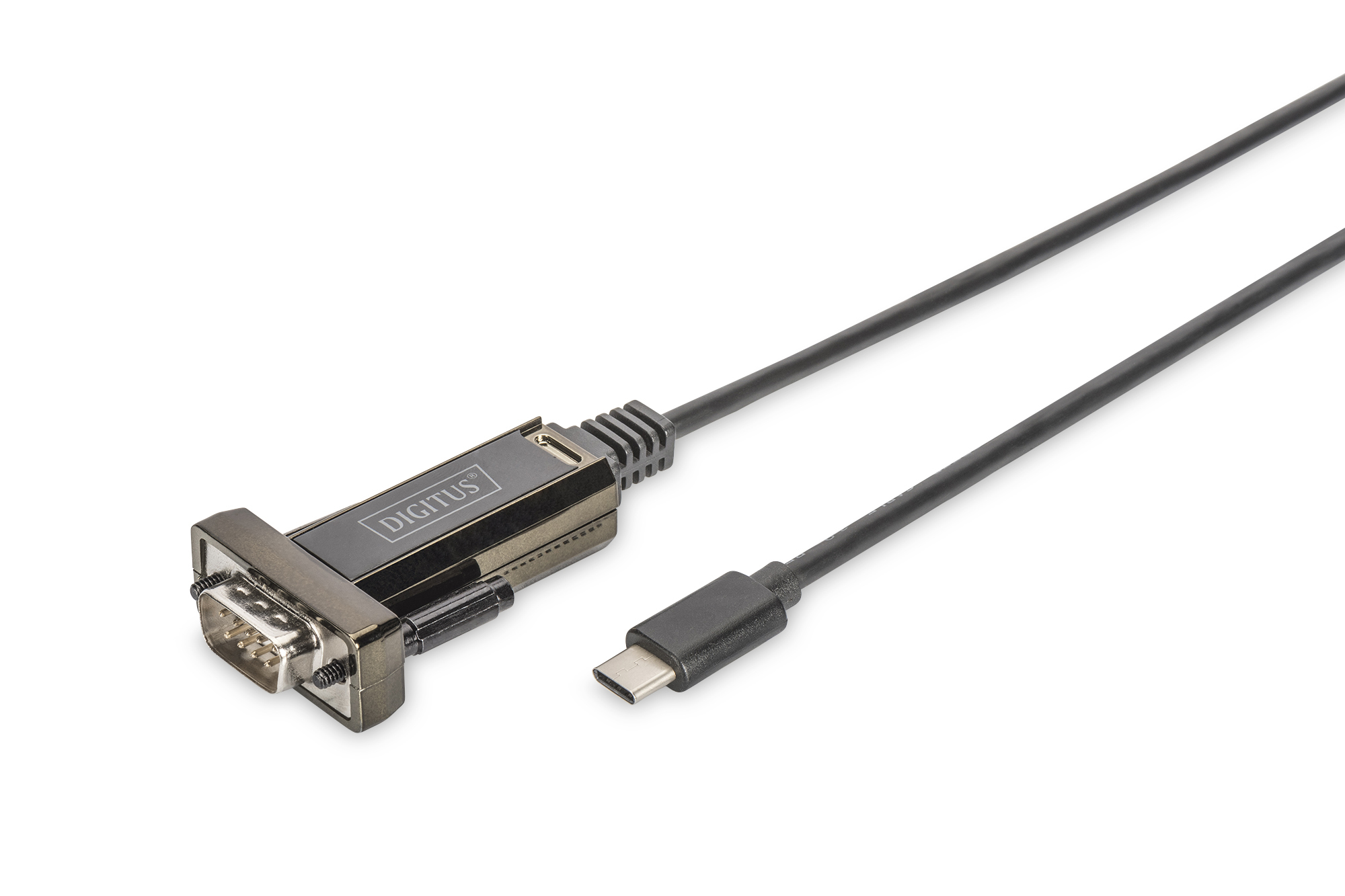
DIGITUS USB Type-C™ to serial adapter

Product number: DA-70166
EAN: 4016032435129

USB Type C 2.0 to serial Converter, DSUB 9M 1m cable length, FTDI chipset

Connects serial devices via USB Type-C™ port to a PC

  • Enables the transfer of data between a PC and serial devices (machine controls, modems, sensors, and so on)
  • Conforms to the USB 2.0 standard

More product information

Description

The DIGITUS® USB Type-C™ serial adapter is a practical solution for serial connectivity. RS232 serial interfaces are no longer available on new hardware, so the DIGITUS® USB Type-C™ serial adapter enables data exchange between a computer USB Type-C™ port and peripheral devices with serial interfaces (COM port, RS232). These include, for example, weather stations, sensors, machine control systems, set-top boxes, gaming consoles, PDAs, scanners, modems, ISDN adapters and many other peripheral devices. The USB Type-C™ serial adapter is downwardly compatible with USB 1.1 and enables adaptable baud rates of between 75 and 128,000 bits per second. The customizable FTDI chipset is compatible with all common operating systems and also supports power management and remote wake up. A separate power supply is not required, because the device is powered through the USB connection.

Technical details

  • Provides a serial RS232 interface via USB Type-C™
  • Compliant with USB 2.0 standards
  • Downward compatibility with USB 1.1
  • Data transfer rates 1Mbps and more
  • Support remote wake-up and power management
  • Cable length: 1m
  • Chipset: FTDI / FT232RL
  • Supports Windows 11, 10, 8.1, 8, 7, Vista, XP, Mac OS X and Linux

Attributes

  • USB-C Products: yes

Package content

  • USB / serial adapter
  • Driver CD

Downloads and Certificates

Logistics

  Number (pcs) Weight (kg) Depth (cm) Width (cm) Height (cm) cm³
Packaging Unit Carton 150 16,80 50,40 21,30 41,80 44.873,14
Packaging Unit Inside 1 0,11 20,30 8,60 2,30 401,53
Packaging Unit Single 1 0,11 20,30 8,60 2,30 401,53
Customs tariff number: 8471800000

Safety notes

  • Switch off the computer completely and disconnect it from the power supply before installing or removing the network card.
  • Static discharge can damage the product or the PC. Take measures against static discharge (ESD) when installing the product, e.g. wear an antistatic wrist strap.
  • Before installation, touch the metal surface of the PC housing or another grounded object to ground any ESD charge via the housing.
  • Avoid using too much force when connecting the product to the PC.
  • Please ensure that any cables are connected correctly without overstretching or damaging them.
  • Avoid touching the contacts of the product with your fingers to prevent corrosion or static charge.

EU responsible person

EU based economic operator ensuring the product complies with the required regulations.

ASSMANN Electronic GmbH
Auf dem Schüffel 3
Lüdenscheid
Germany
https://www.assmann.com
[email protected]